Hey Anglers,
Here is a step-by-step guide on how to link your Twitch account to your in-game account and receive Twitch Drop Rewards. Before following these instructions, make sure you have an existing Twitch account.
1. Link Your In-Game Account to Twitch
- Open the link: https://twitch.fishingplanet.com/
- Sign in with the platform you use to play Fishing Planet.
2. Verify the Connection
- Open https://www.twitch.tv/ and sign in with your Twitch account.
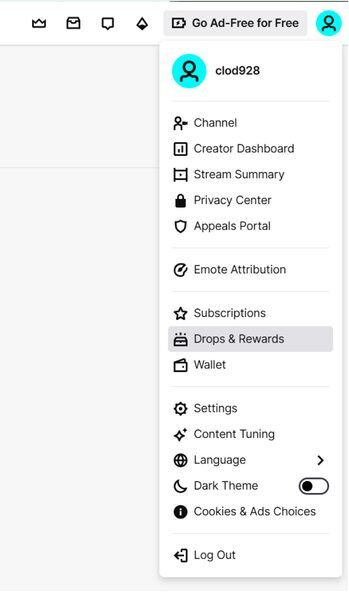
- Click the button in the upper-right corner to open the Drops & Rewards section.
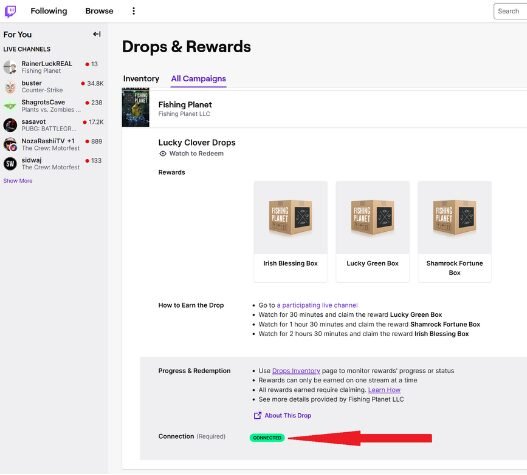
In the All Campaigns tab, check if your in-game account is linked successfully.
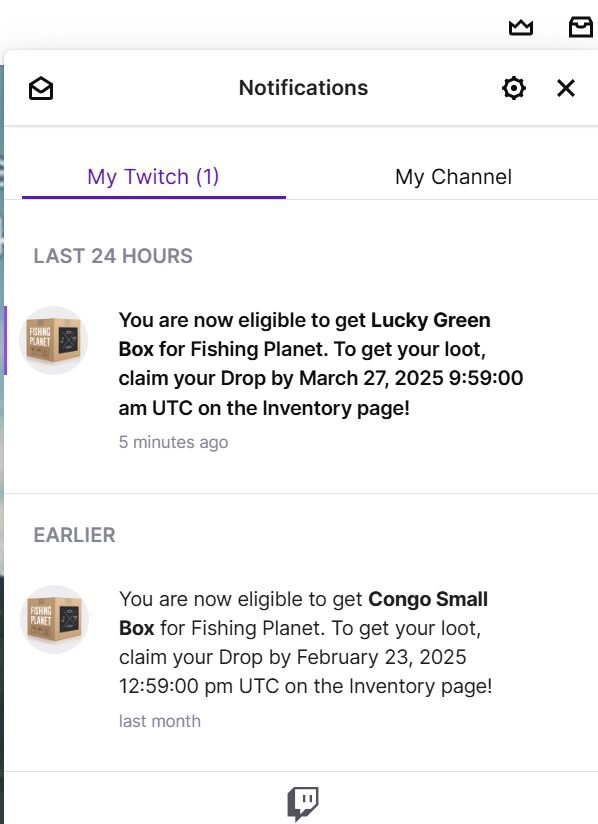
3. Check Notifications
- Once you earn a reward, Twitch will notify you in the Notifications tab.
Check the date and time when the in-game reward boxes will be available for claiming.
4. Claim Your Rewards
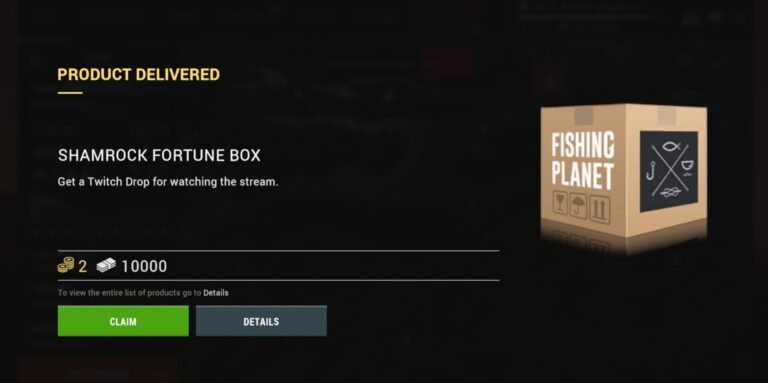
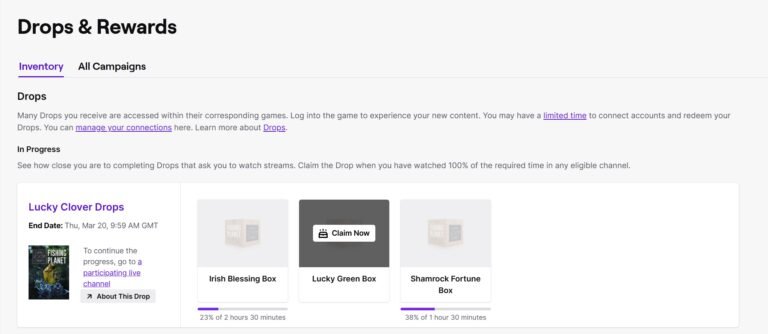
Log out of the game and go to the Drops & Rewards section on Twitch and click the Claim button.
Please note: You must be offline in the game to receive the rewards.
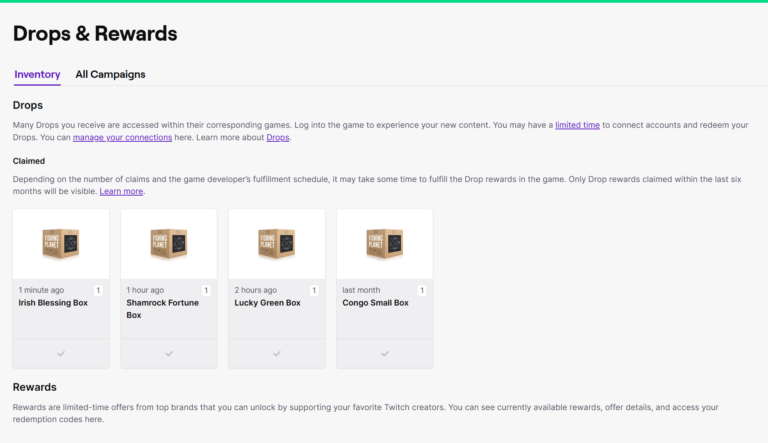
5. Access Rewards in Your Game
Launch Fishing Planet, and your rewards will be available when you enter the game. If you didn’t receive the rewards in your game, please return to Step 1 and try unlinking and linking your accounts again.